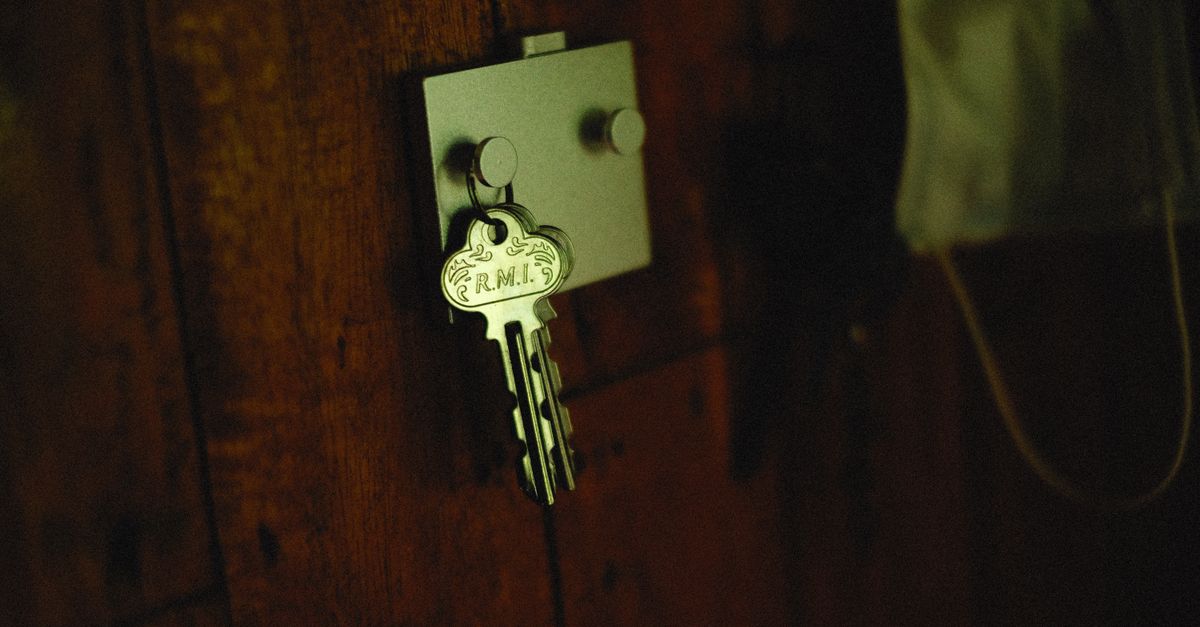
Meet Mel. She's the operations manager at a fourteen-person business, and she isn't real. Every part of her bad week is, though. I've pieced it together from the kind of thread that turns up again and again on automation help forums. None of it is a bug. It's automation vendor lock-in, and most people only find out they have it when someone leaves.
Monday: the invoice sync stops
A staff member left on Friday, and Mel did the right thing: she switched off his logins. On Monday, invoices stop flowing from the CRM to the accounting system.
Nobody connects the two. The automation was built two years ago and it's still switched on. There's no error anyone can see. It takes most of the week to find out that the connection to the CRM was quietly running on the departed staff member's login. Switch his account back on and invoices flow again. Mel didn't know he was in the automation at all.
Wednesday: the account nobody can open
Mel decides to fix it properly and goes to edit the automation. She can't. The account was set up by the freelancer who built it, using the freelancer's email address. The freelancer has moved on and isn't answering.
The automations are still running. Mel can see them working. She just can't change them, and the platform's support team can't hand her an account that's registered to someone else's email address. It's working until it isn't, and nobody at the business can touch it.
Friday: the agency invoice
The last call is the one that worries her most. Their customer database, booking calendar and follow-up messages all run on a platform their marketing agency set up. Mel assumed it was theirs. It isn't. It's a sub-account under the agency's account, and the agency is renegotiating its fee.
If the agency stops paying for its account, Mel's business loses access to its contacts, conversations and automations along with it. Getting them out needs the agency's cooperation.
It isn't the tool. It's whose name is on it.
None of these are software failures. Every tool did what it was designed to do. The problem was ownership. The automation belonged to a person, not the business, and it worked until that person was gone.
It's lock-in, just not the kind people usually worry about. The risk isn't being stuck on one software vendor. It's being stuck with whoever built the thing. You already know this story from websites. The web designer registered the domain in their own name, and when the relationship ended, they still held the keys. Automations have the same weak spot, it's just harder to see, because there's no domain renewal notice to remind you who owns what.
It's also the quieter cousin of the problem in Your automation stopped. Nobody noticed. That post was about automations failing silently. This one's about finding out you can't fix them when they do.
How I hand things over
Whether it's a one-off build or ongoing AI consulting for small business, everything I build is yours from day one, not at the end of the project:
- Your accounts, your email. Automations live in accounts registered to the business, not to me. I'm a user you can remove.
- Your logins on the connections. Connections run on accounts the business controls, not on a staff member's personal login, so nothing breaks when someone leaves.
- Written down. Each automation is documented: what it does, what it connects to, and who to call when it stops.
- No lock-in. Cancel any time, no exit fees. If we stop working together tomorrow, everything keeps running and you can still change it.
That last one is the real test. If you can't walk away from the person who built your automations without them breaking, you don't really own them.
Five questions to spot automation lock-in
Pick your most important automation and find out:
- Whose email owns the account it lives in? If it's a person rather than a shared business address, write that down.
- Whose logins do its connections use? Look at each connected app. A name you don't recognise, or someone who's left, is a problem waiting to happen.
- Is there a second admin? One person with the keys is one resignation away from Mel's Wednesday.
- Is it written down? Could someone new work out what it does without asking the person who built it?
- What happens if you stop paying the builder? If the answer is "I don't know", ask them. A good one will give you a straight answer.
If you can't answer most of these, a Systems Health Check maps what you're running, whose name is on it, and what to move into the business's own hands first.